One server, mail and files.
Your file server, on the box that already runs your mail.
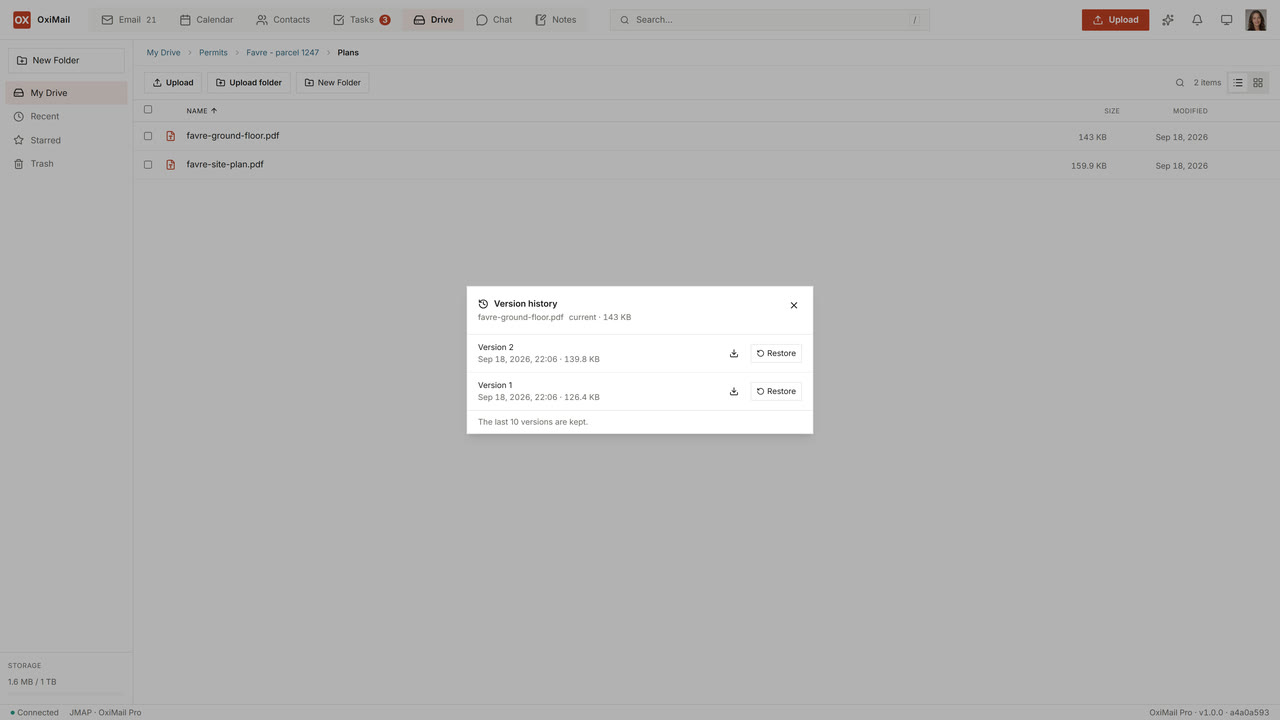
Drive turns your OxiMail into the file server of the office. On the local network it mounts as an ordinary network drive over SMB, so Windows, macOS and Linux see it without installing anything. The same files open in the browser from anywhere, carry their own version history, and can be shared by a link your server issues. Your documents stay files, edited in the applications you already own — we are not rebuilding Google Docs.
Why Drive exists
Three arguments. One product.
One box instead of two
The NAS in the cupboard is a second machine to patch, back up and worry about, with its own accounts and its own firmware end-of-life. Drive puts the files on the server that already holds the mail, the calendar and the contacts — same backup, same encryption at rest, same update.
Files stay files
Drive is a file server, not a document suite. Your team keeps LibreOffice, Word or whatever it already uses, opens documents from a drive letter, and saves them back. That is a deliberate choice: sovereignty is worth little if the only way to open your own document is a web editor someone else operates.
One identity instead of four
No more matrix of AD account, mail account, VPN account and NAS credential. One OxiMail account, one authentication surface, one revocation path when someone leaves. LDAP sync is there for enterprises that keep an AD of record — but AD stops being the authentication boundary.
Comparison
The NAS you have today vs Drive.
Six dimensions where the difference is structural rather than a matter of tuning. The point is not that SMB is bad — Drive speaks it too, and it is the reason nothing needs installing on the workstations. The point is what sits behind the share.
| Dimension | A separate NAS / Samba box | OxiMail Drive |
|---|---|---|
| Machines to operate | A second appliance with its own firmware, patch cycle and end-of-life | The server that already runs your mail — one backup, one update |
| On the office network | SMB share | SMB share — nothing to install on the workstations |
| Away from the office | VPN, or files emailed to yourself | The same files in the browser over TLS, and the Sync agent on laptops |
| Versions and deletions | Snapshots, if someone configured them | Per-file version history and a trash, built in |
| Sharing outside the company | An attachment, or a third-party service nobody approved | A share link your own server issues, and can revoke |
| Identity management | AD + mail + VPN + NAS — separate systems to keep in sync | One JMAP identity, LDAP sync available |
Architecture
SMB on the LAN, JMAP everywhere else.
The SMB service is served by OxiMail itself and is deliberately bound to the local network: file shares are a poor thing to expose to the internet, and every serious incident of the last decade agrees. Changes made from a workstation appear immediately elsewhere, because the SMB layer is wired to the same event bus as the rest of the server rather than polling a directory. Windows, macOS and the Linux kernel client all mount it, with AES-CMAC signing as the floor; a file opened by a colleague is reported as such to the next person who opens it, across SMB, the browser and Sync alike; and large files stream through instead of being held in memory, so a video no longer decides how much RAM the server needs. Version retention is a per-organisation setting the administrator changes live.
Off the LAN, the same tree is reachable over JMAP: the browser client, and the Sync agent that mirrors a folder to a laptop with an offline queue and conflict resolution. Files carry versions, a trash, and share links whose tokens are issued once and can be revoked. Access follows the OxiMail sharing model: principals, per-folder entries, inheritance, LDAP-synced groups.
Files from outside the office
The native mount from outside the office.
In development
Away from the office, files open in the browser and in the Sync agent. In development: the native mount over HTTPS on port 443 — a drive letter that behaves the same on the office network and from a hotel, with no tunnel and no port 445 anywhere. That is the piece that retires the VPN for file access entirely.
Deploying Drive
Tell us about your file server.
Replacing a file server is a migration, not an install: existing shares, permissions inherited from years of history, workstations that must not notice anything on Monday morning. We would rather look at yours before you commit to anything.
Tell us how many users, which operating systems, and where the files live today. We will tell you plainly whether Drive fits as it stands, or what to plan around the native remote mount.