Free up to five people, the whole suite.
All your mail and collaboration, on a server that belongs to you.
OxiMail replaces Microsoft 365 or Google Workspace. It runs on your own premises, or with a partner in your region, and nobody else has access to your data. Your people keep Outlook, Thunderbird and their phone, or open the web client.
Sovereignty is not something you delegate. Read why →
What your people get
One tool for what you do with five today.
Every function opens in the same window, with the same sign-in. One sentence per function; the full tour is one click away.
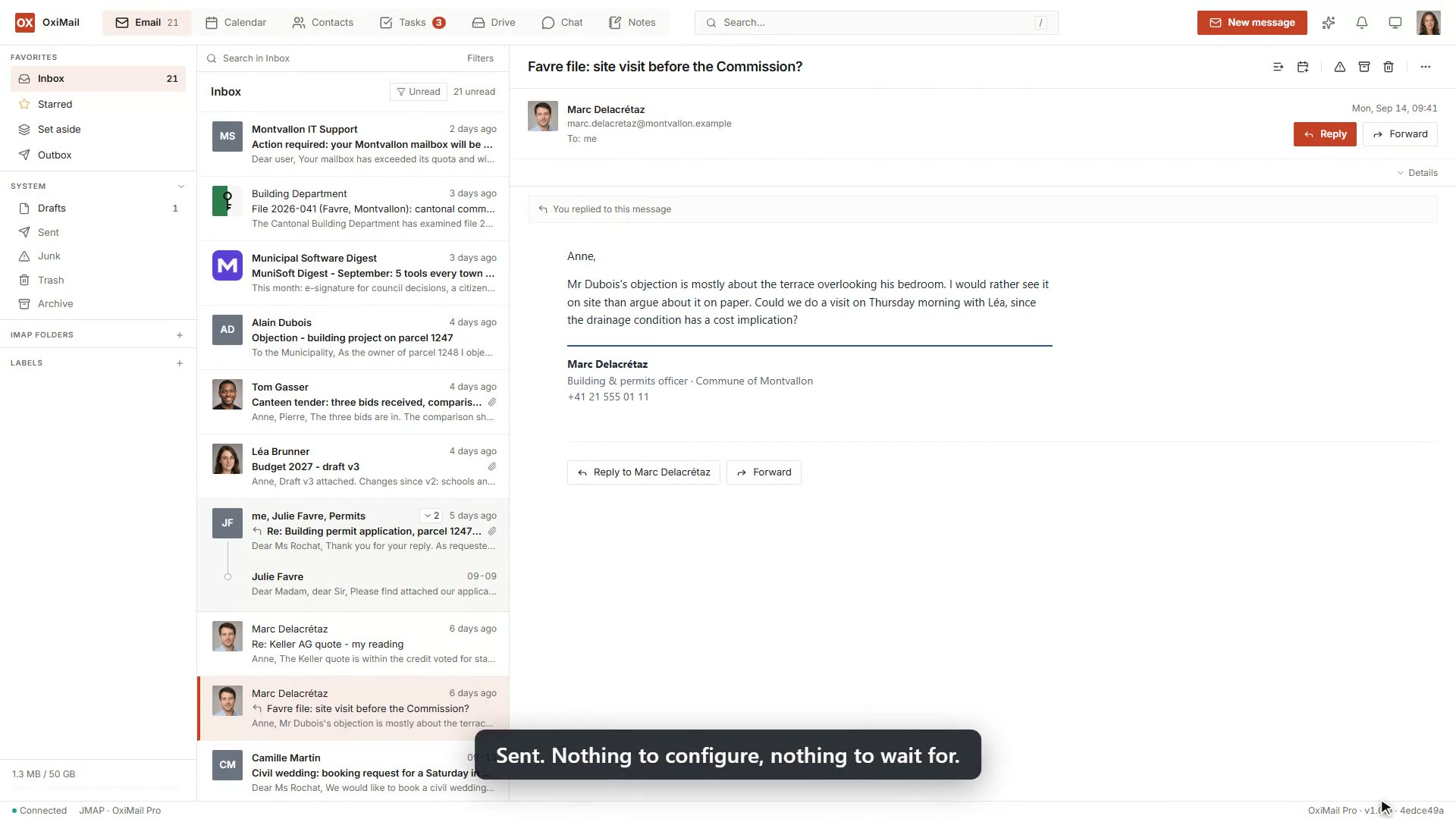
Your mail, your folders, your sorting rules. A team mailbox for the requests that come in at the front desk.
Calendar

Everyone’s appointments and the rooms, with invitations you answer in one click, even when they come from Outlook or Google.
Contacts

The organisation’s address book, shared with the whole team, with the date of the last exchange.
Tasks

What is left to do, who it is assigned to and by when, as a list or as a board.
Files
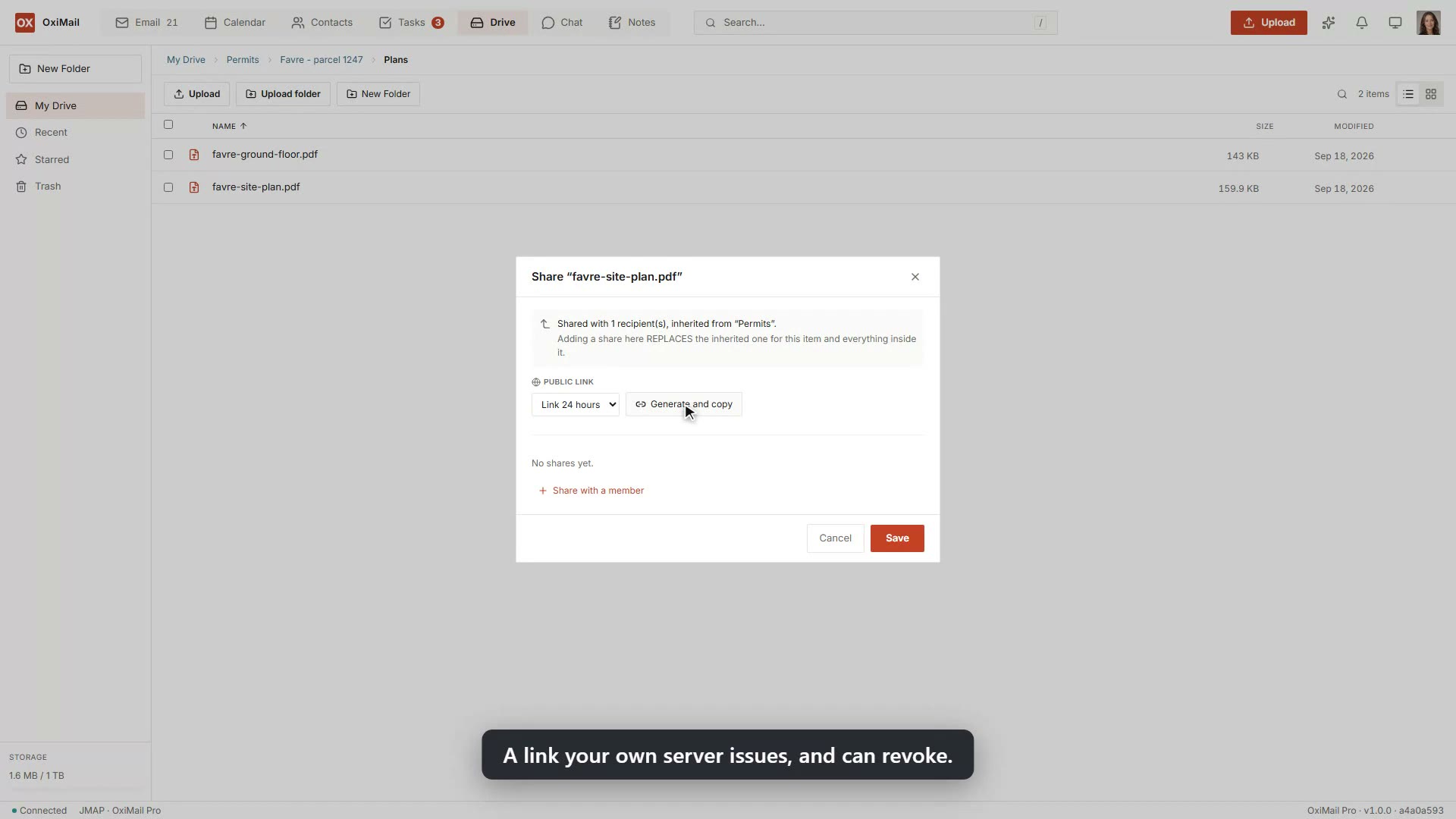
Your documents in shared folders, with version history and a link you can send and take back. The same server replaces the office file server or NAS.
Notes
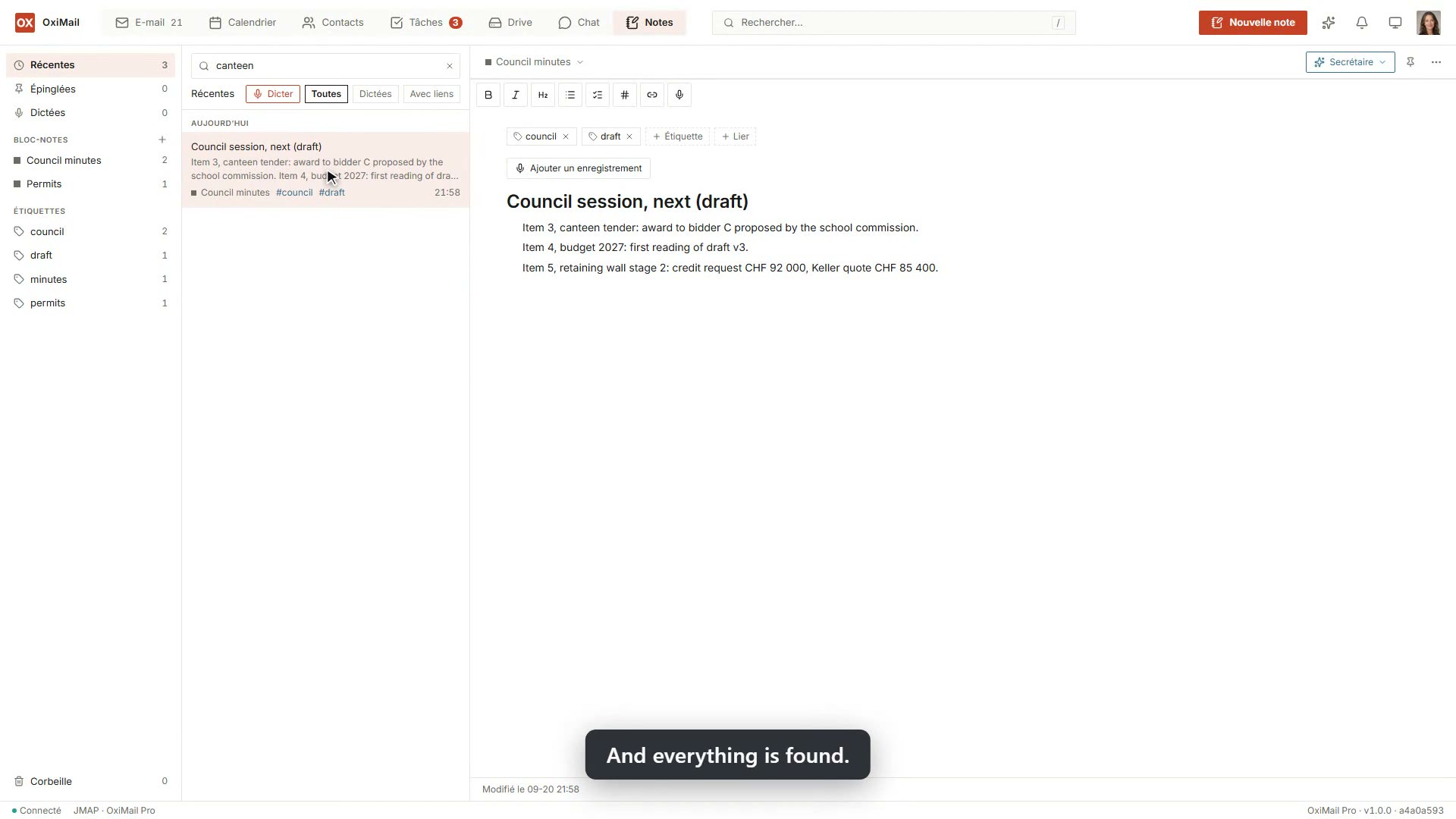
Shared notebooks for minutes and case files, dictated if you would rather talk.
Chat and video
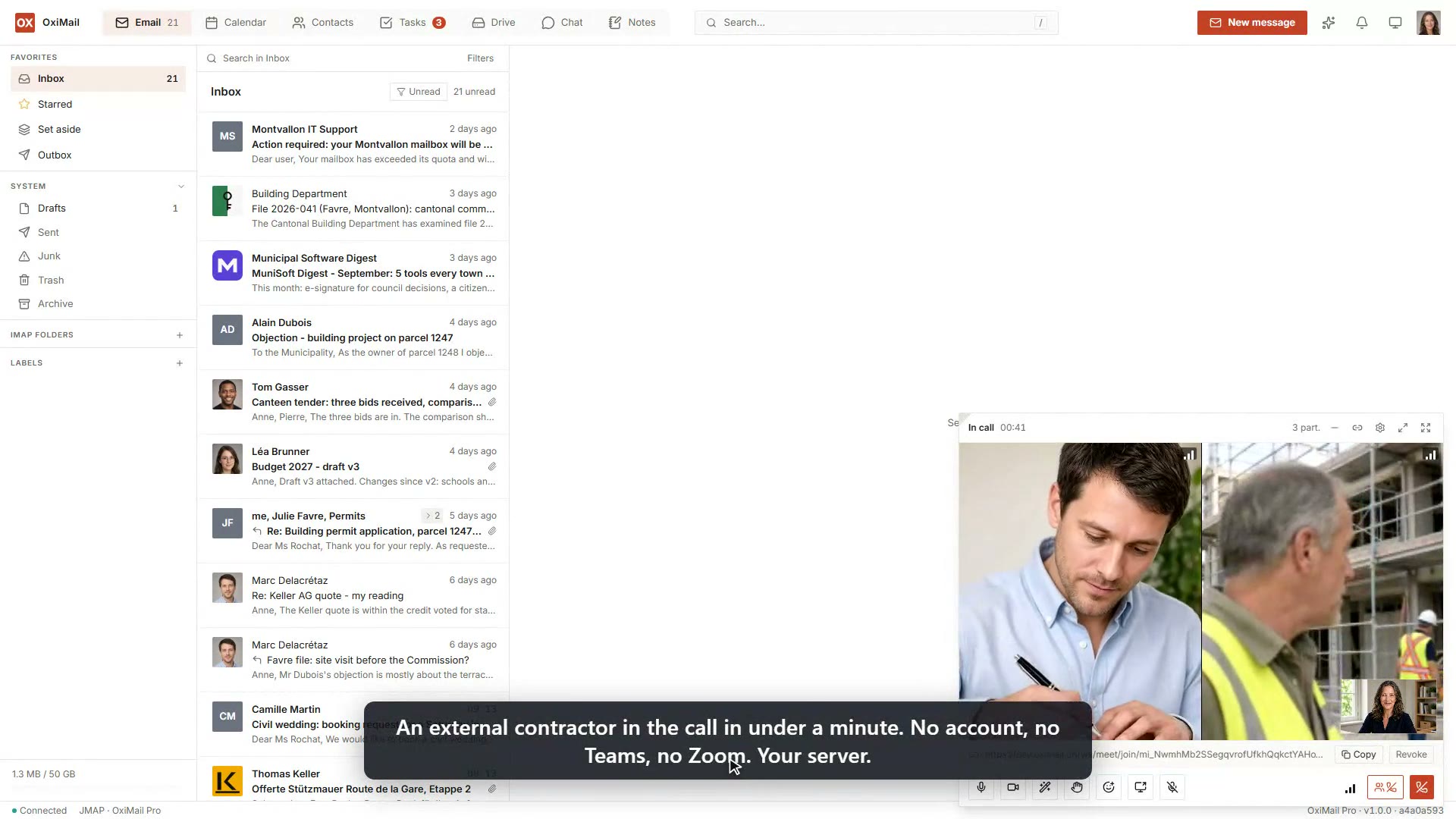
Rooms per team, and a three-way video call with screen sharing, where a guest joins by a simple link.
Assistant and search
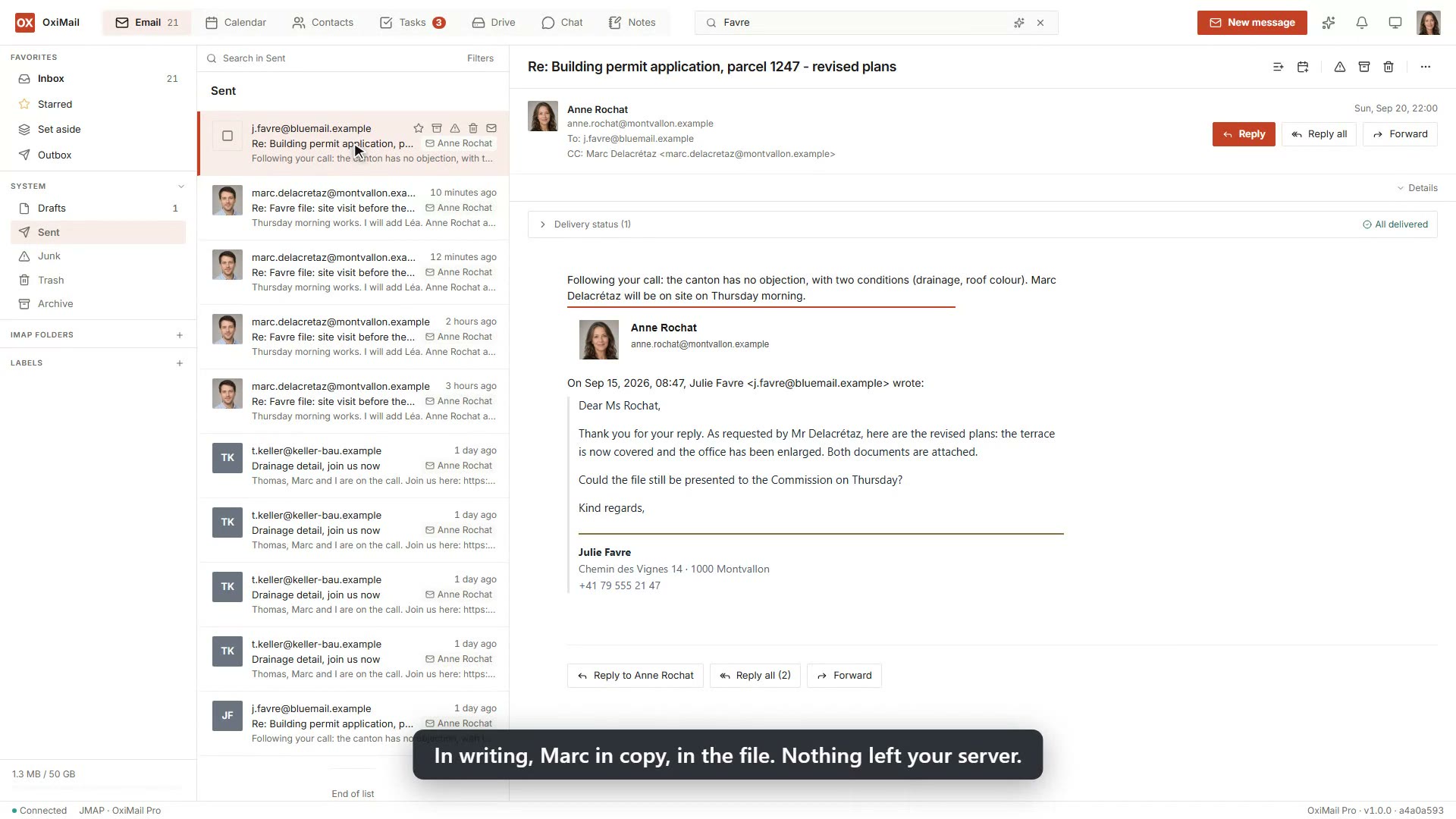
A search that spans mail, tasks, notes and files, and an assistant that summarises, translates and drafts without your data leaving your server.
Sending
Your first and only mail and relay server, all in one.
The server that holds your mailboxes also sends your newsletters and your application mail. One vendor instead of two, your people’s mail always ahead of the campaigns, and nothing left sitting with a third party.
How it goes
Three steps, and your people do not notice the difference.
We install it
On your server, or with a partner in your region. You, us, or them: you decide who holds the keys.
We bring your mailboxes over
From Microsoft 365, Google or your current server, with all the history. Nobody loses a mail, nobody stops working.
Your people sign in
With the Outlook, Thunderbird, iPhone or Android they already have, or with the web client, where a passkey replaces the password: nothing to remember, nothing to phish.
Why on your premises rather than in the cloud
A datacenter in your country is not sovereignty.
A “sovereign cloud” is still a service someone else operates. That operator can be served a warrant, an injunction or a sanction, and in 2025 an international prosecutor’s mailbox was cut off for exactly that reason. A cloud region built in your country is still the infrastructure of a foreign power, with its conflicts. With OxiMail, the operator is you.
The full argument: sovereignty you delegate is sovereignty you give up →
- Your data stays in your country, on a machine you control.
- No American layer underneath: nothing a foreign order can compel.
- The code becomes free software after four years: nobody can lock you in.
Who it’s for
Any organisation that cannot hand its data to someone else.
- Public bodies and administrationsMunicipal, regional or national: where keeping data at home and independence from the big American clouds is policy, not preference.
- Hospitals and health networksClinical data goes through mail. An audit trail, a record of who read what, and hosting you control are not negotiable.
- Universities and researchLarge numbers of accounts, federated identity, and a firm position on where data lives.
- Small businesses, through our partnersLaw firms, accountants, medical practices: the same suite, run by a trusted partner near you.
Why you can trust it
A clear jurisdiction, nothing hidden, and we run it ourselves.
- Designed in SwitzerlandBuilt by Activate sàrl in Geneva. A Swiss company, under Swiss law.
- GDPR and your local law, by designYour data stays in your country, on infrastructure you control.
- No email ever lostA message OxiMail accepts always reaches its destination. If something fails, it is kept and delivered as soon as possible, never silently dropped.
- Safe without thinking about itSign in without a password, so there is none to steal. The disk is encrypted and the server checks it at install time. Intrusion attempts are pushed back on their own, with no extra security software to run.
- We run it ourselvesActivate runs its own company mail and collaboration on OxiMail. We would be the first to know if it dropped a message.
How much
Free up to five users. A licence above.
- Up to five users, in an organisation running it for itself: free, the whole suite.
- Above five users: a licence for software that runs on your machine. No subscription to a service we operate.
- Partners and hosters: a wholesale price per mailbox, from the first one, with no entry fee.
Let’s talk about your independence.
Tell us your context: a migration under way, an institution, a partner practice, or a small self-hosted pilot. We answer fast.